 Kura


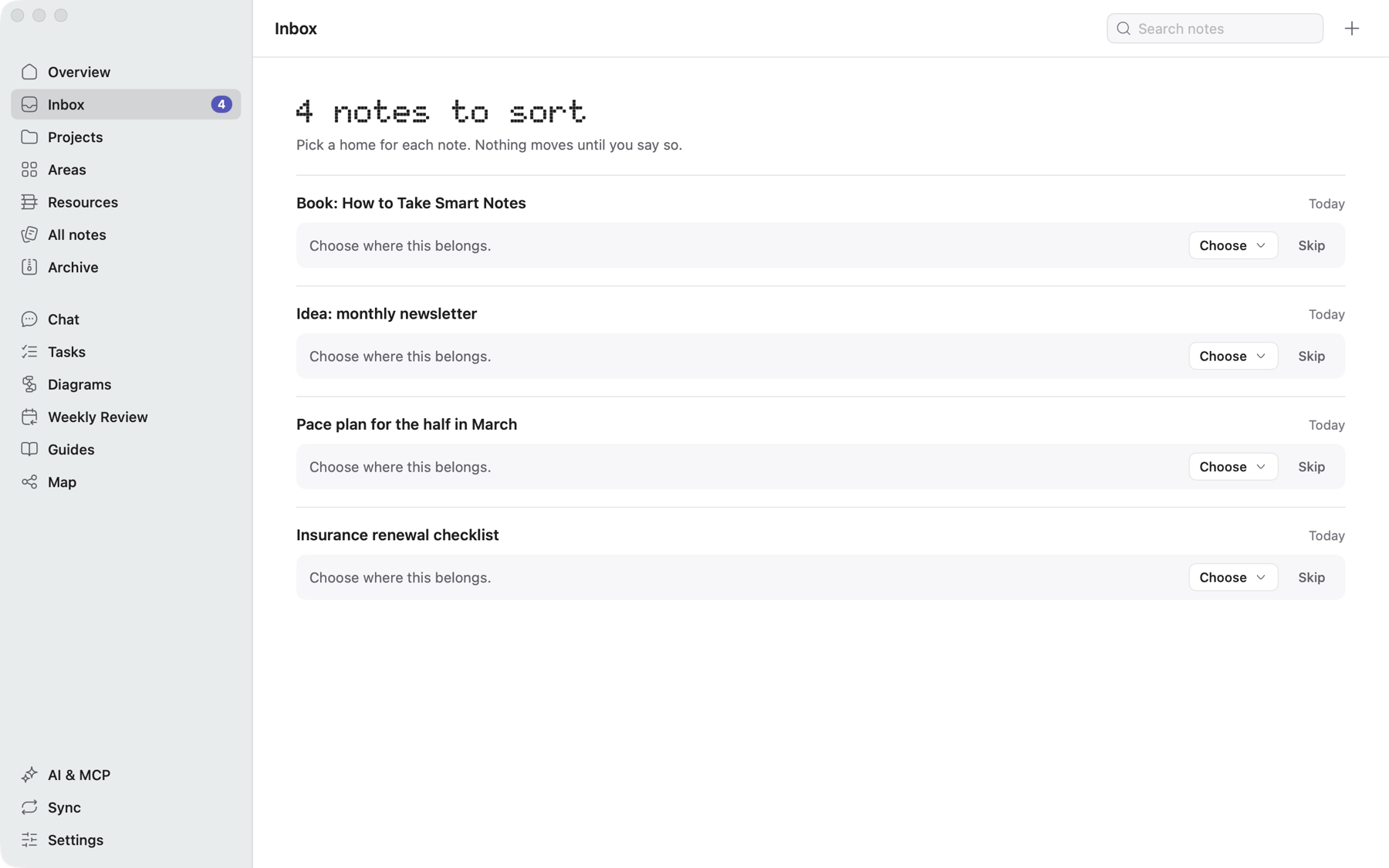
Inbox
What comes in waits for you. You choose where each note lives, and nothing moves until you say so.
The Mac app that organizes your notes in files you own. You choose the method, and AI only does what you allow.
Start for free. Requires macOS 14 or later

Classes, summaries and readings linked by topic

Sources, hypotheses and diagrams in one place

Ideas, scripts and drafts that become projects

Projects, meetings and tasks without getting lost
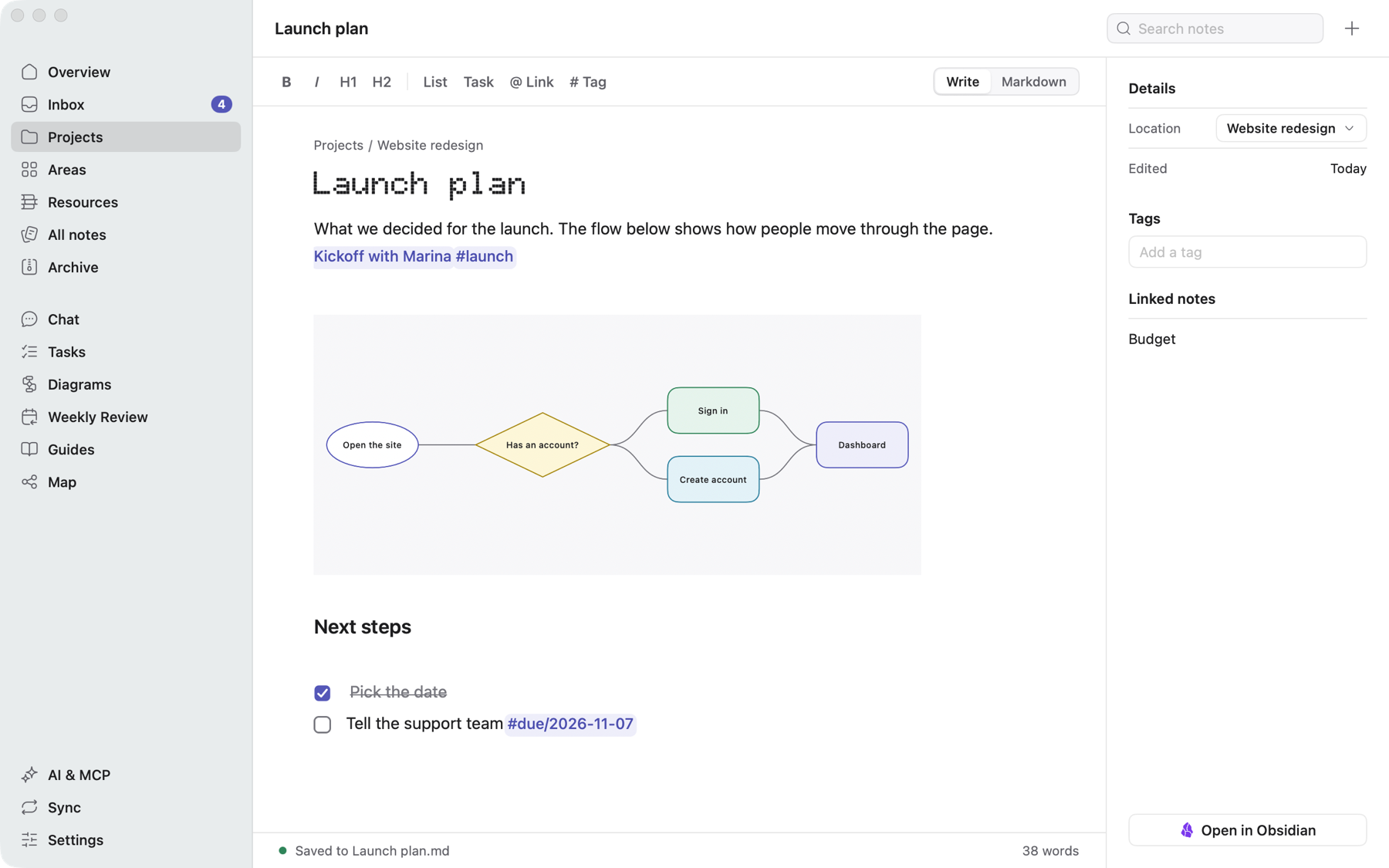
Notes, tasks and diagrams live in the same folder, linked to each other.
What comes in waits for you. You choose where each note lives, and nothing moves until you say so.
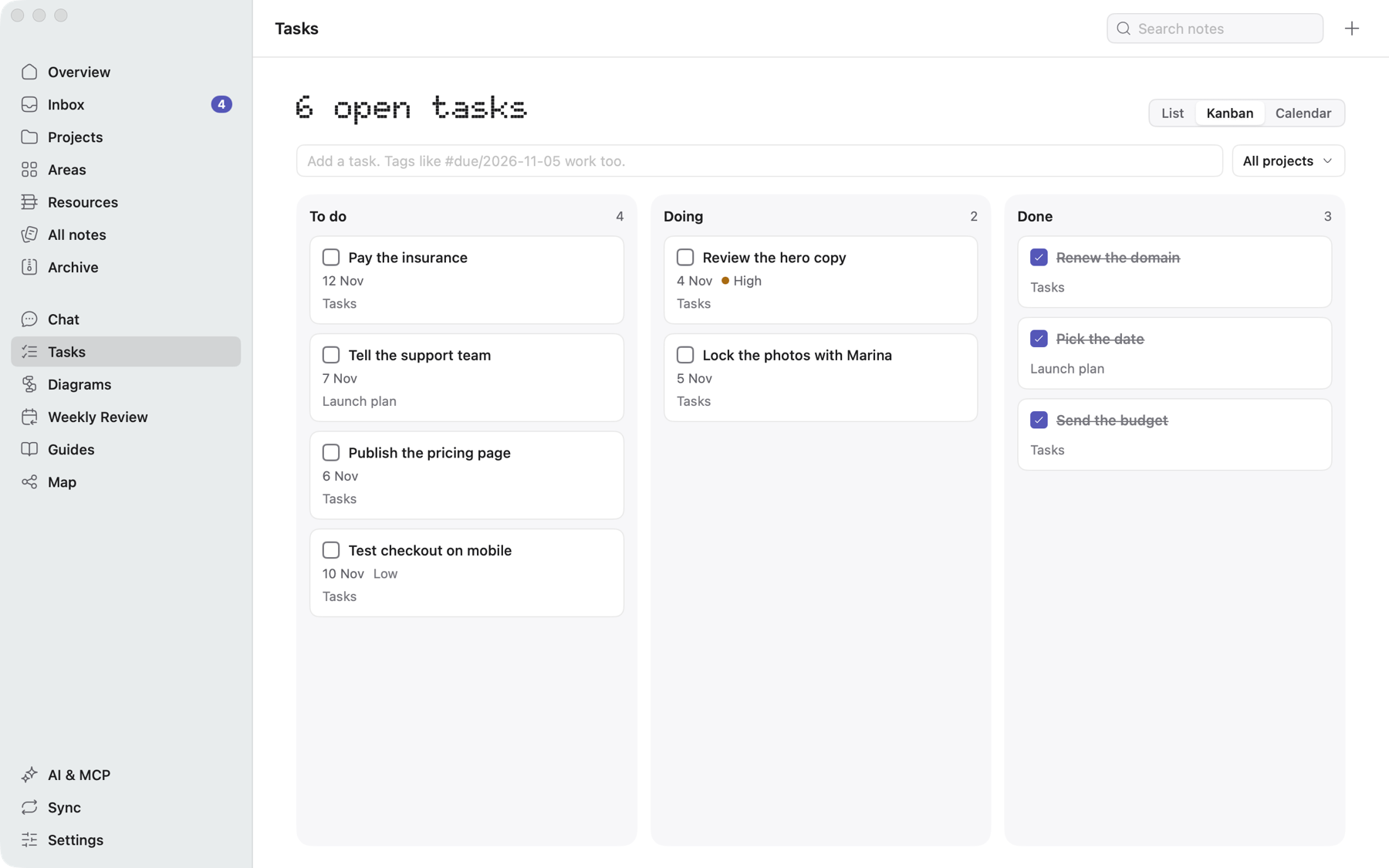
Mark tasks in any note and see them as a list, a kanban board or a calendar. Status and due date stay in the text itself.
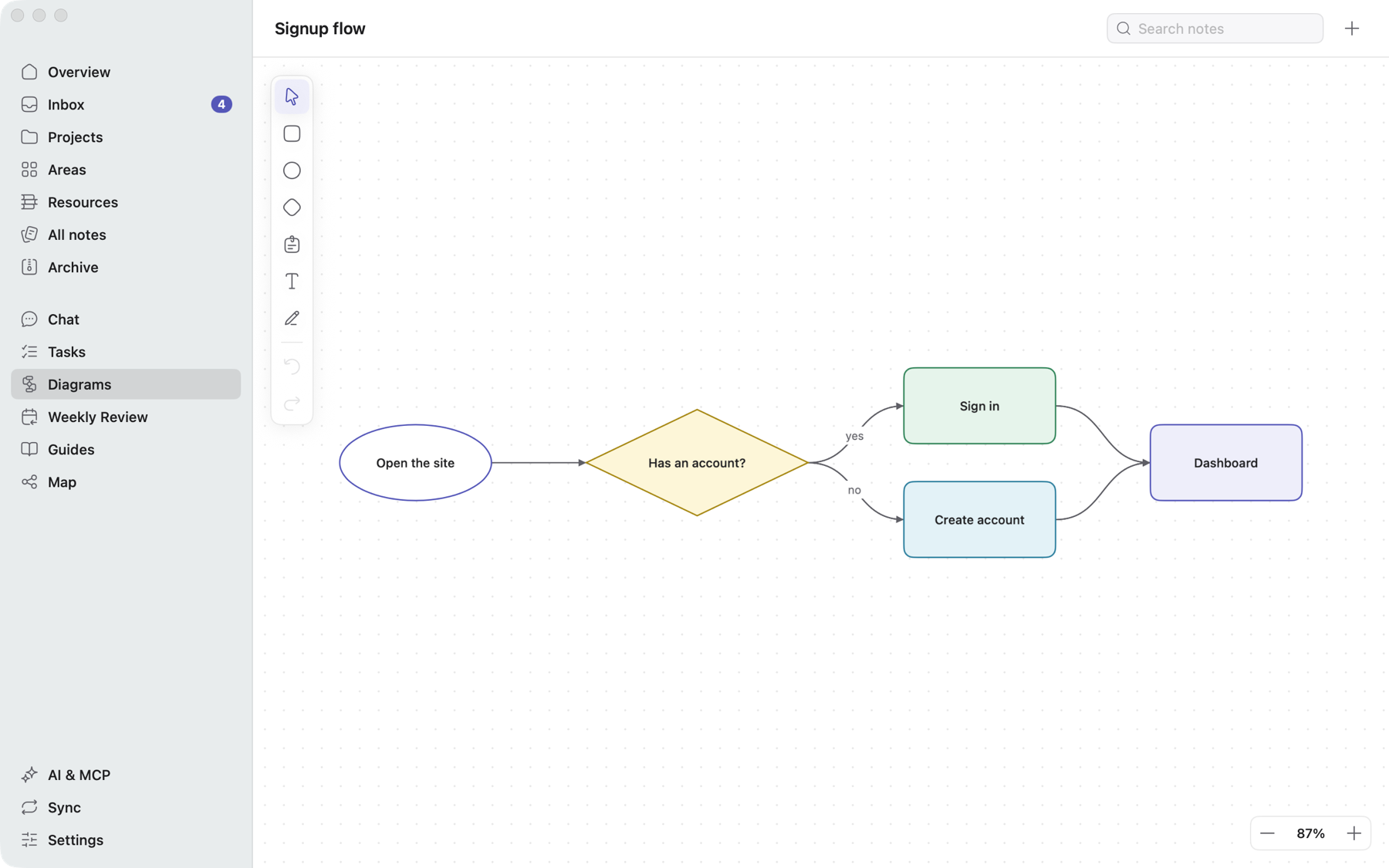
Draw flows, connect shapes and sketch with the pen. Then place the diagram inside a note.
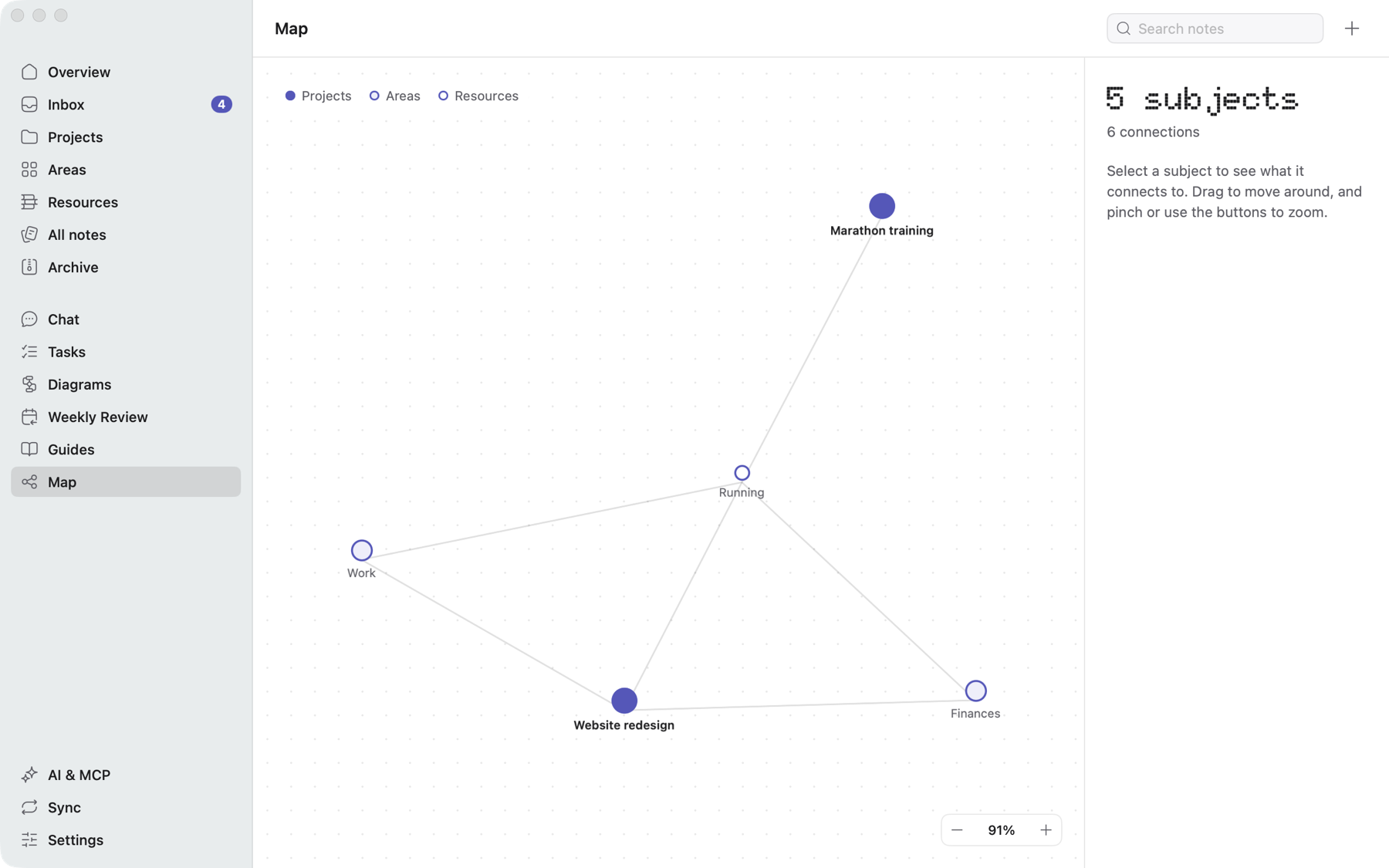
See how projects, areas and topics connect through the links and tags you've already written.
Connect Claude or Codex. Every action has a switch in Kura, and everything the AI does shows up in a list, with Undo.
Turn a switch off and watch the same task change.
Your notes are a folder, with no database and no proprietary format. Notes are .md files and diagrams are .canvas files, which also open in Obsidian.
# Launch plan

What we decided for the launch.
[[Kickoff with Marina]] #launch

![[Signup flow.canvas]]

## Next steps

- [x] Pick the date
- [ ] Tell the support team #due/2026-11-07
Open the same notes in Obsidian, sync through GitHub or iCloud, and let the AI you choose work in them.
 Obsidian
 GitHub
 iCloud

 Claude
 Codex
Kura's MCP server comes with the app. Each group has its own permission.
Start for free. When you need more, pay once and Kura is yours for good.
The full app, with your files on your Mac.
$39one payment
A year of updates included. To keep getting new versions, $19 for another year. It's optional.
To get started, with your files on your Mac.
Kura for your team, with one purchase.
$29per person
From 3 people
No subscription. If you don't renew, Kura keeps working. Refunds within 14 days.
Download Kura and open the folder you already have, or start a new one.
Start for free. Requires macOS 14 or later